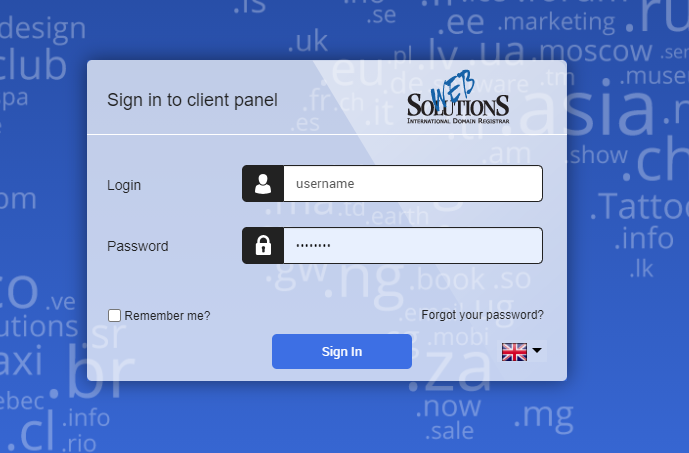
1. Sign in (Sign In) to the Control Panel using your login credentials (Don’t have an account yet? Check our register guide!)
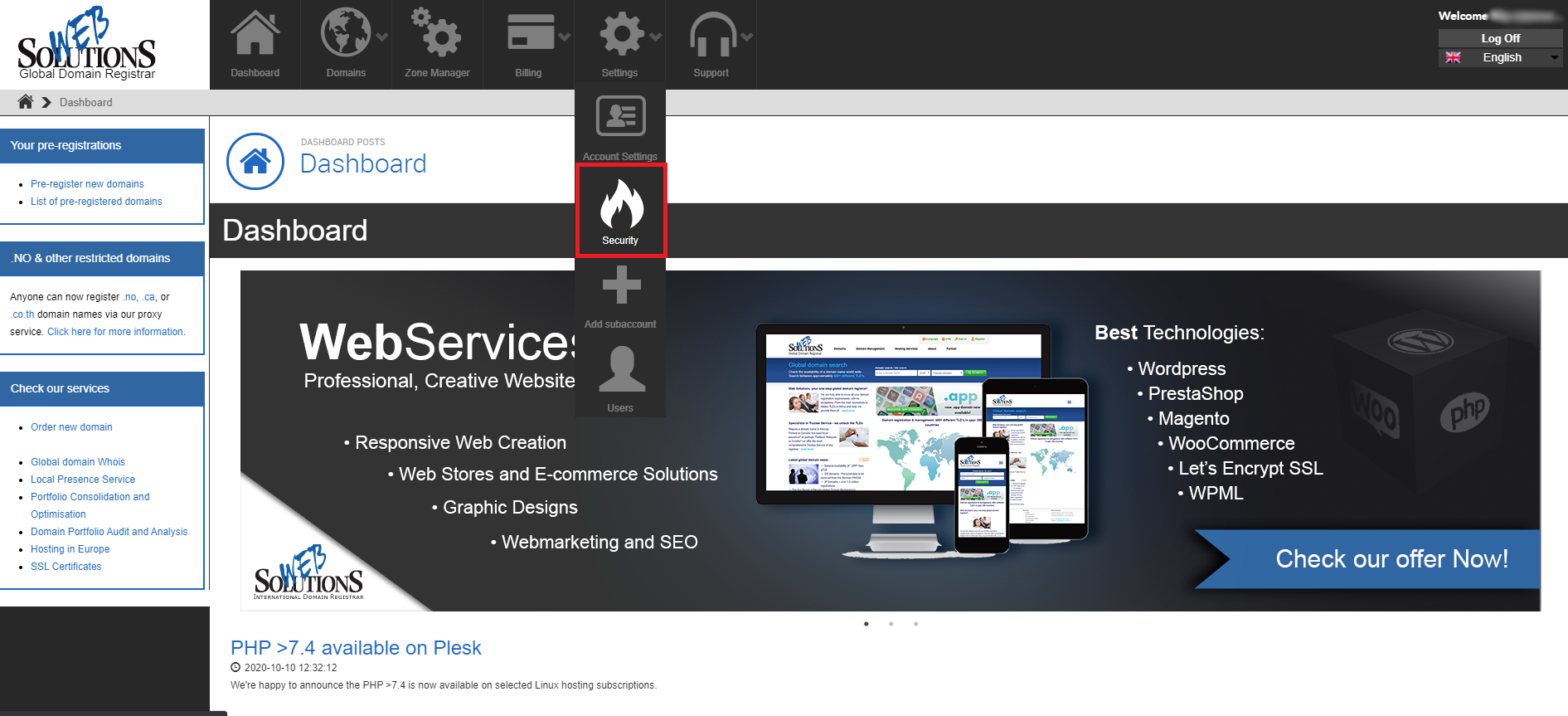
2. From the top menu select Settings > Security.
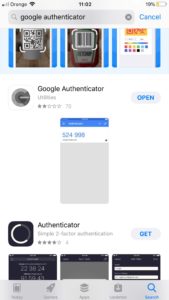
3. From the left menu bar select the Two Factor Authentication button. Download and install the Google Authenticator application to your mobile phone (or any other supported device).
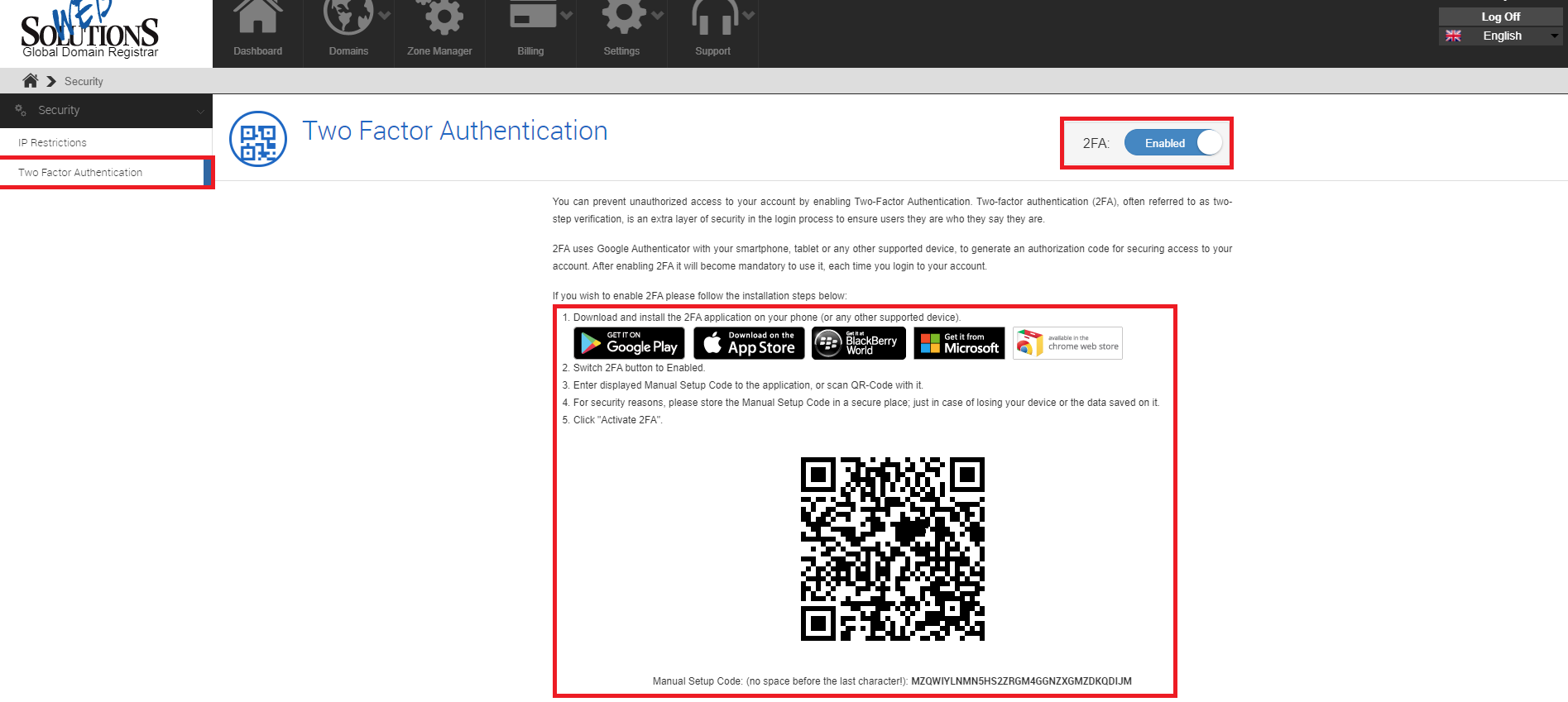
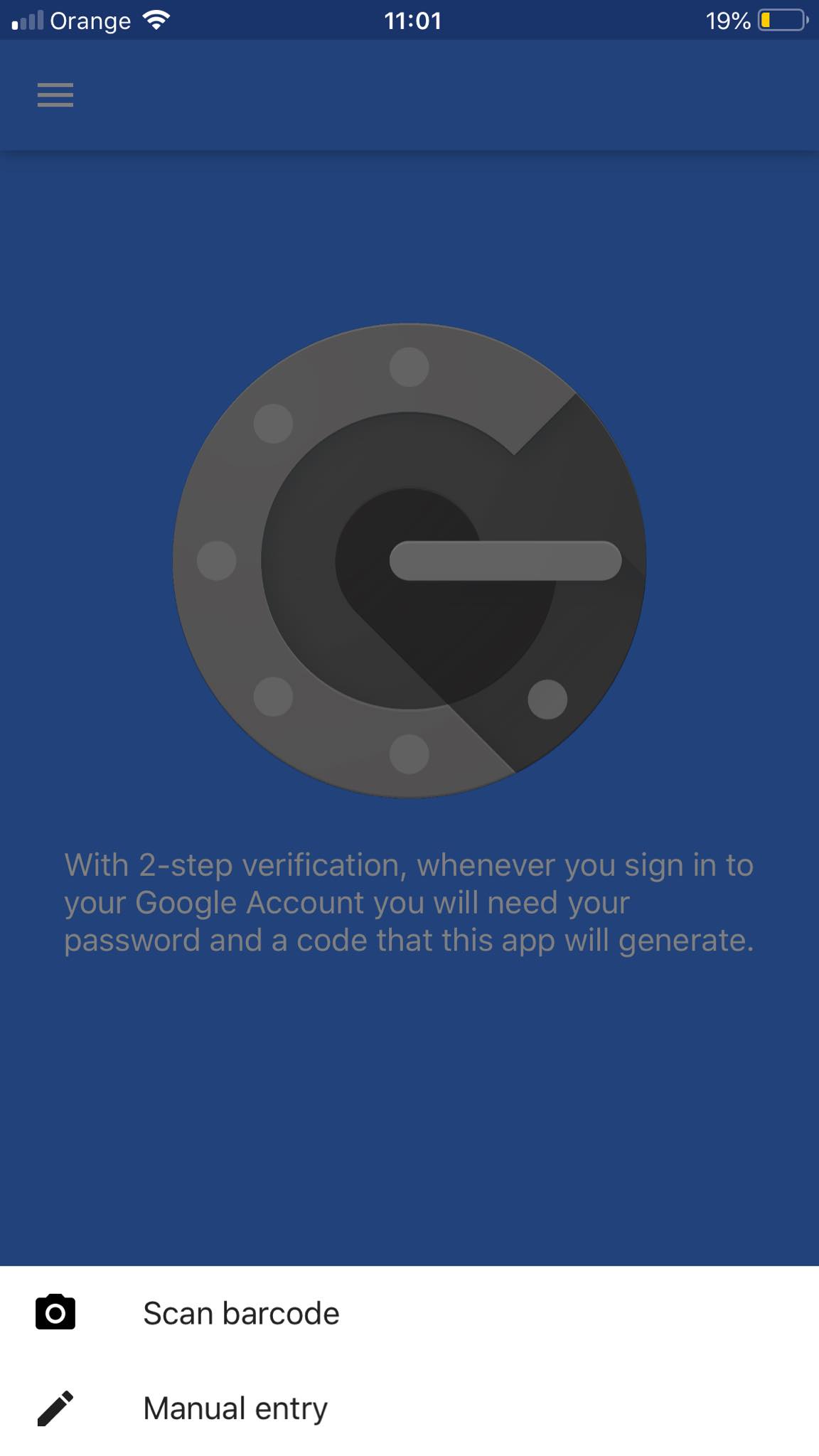
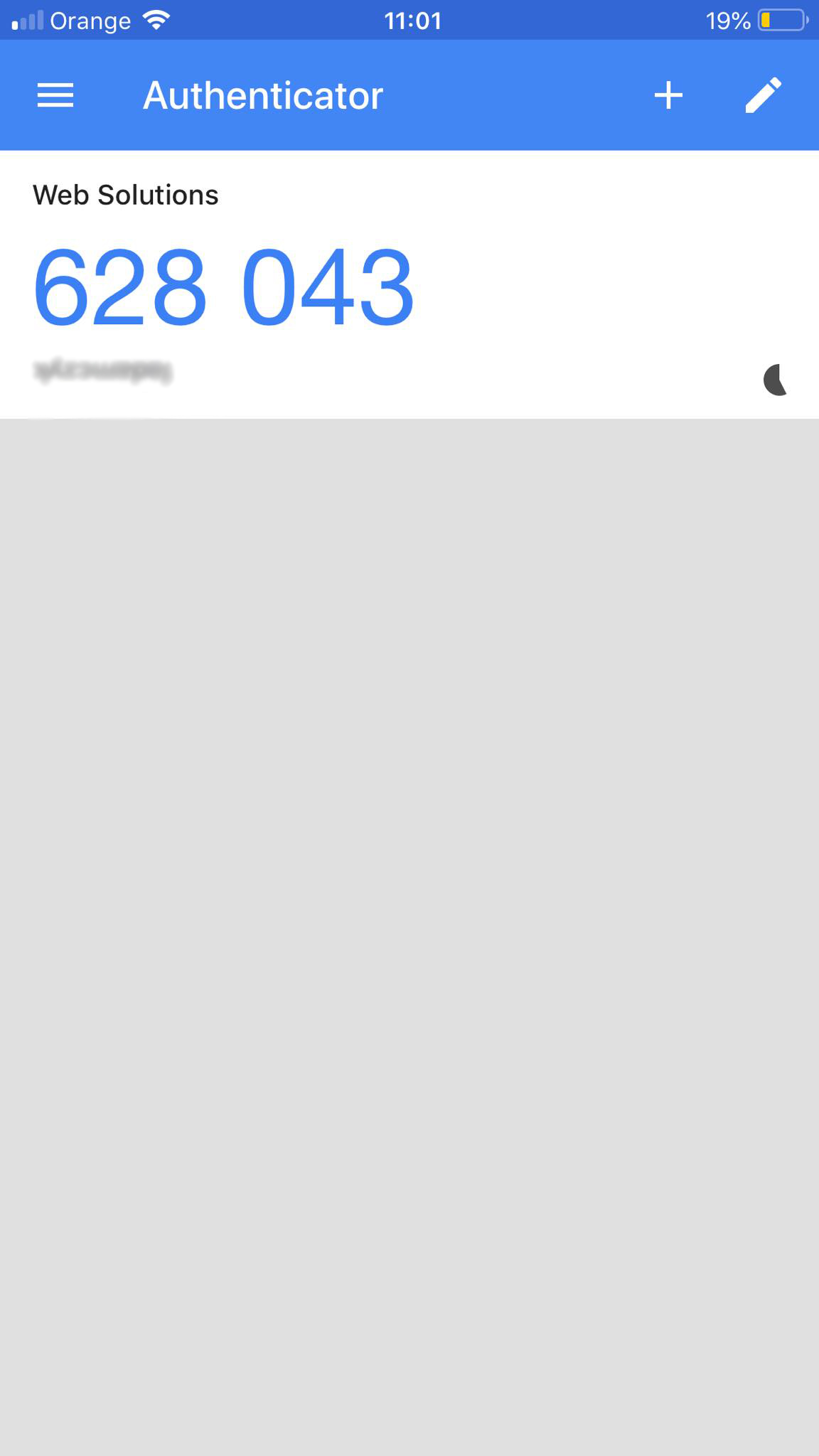
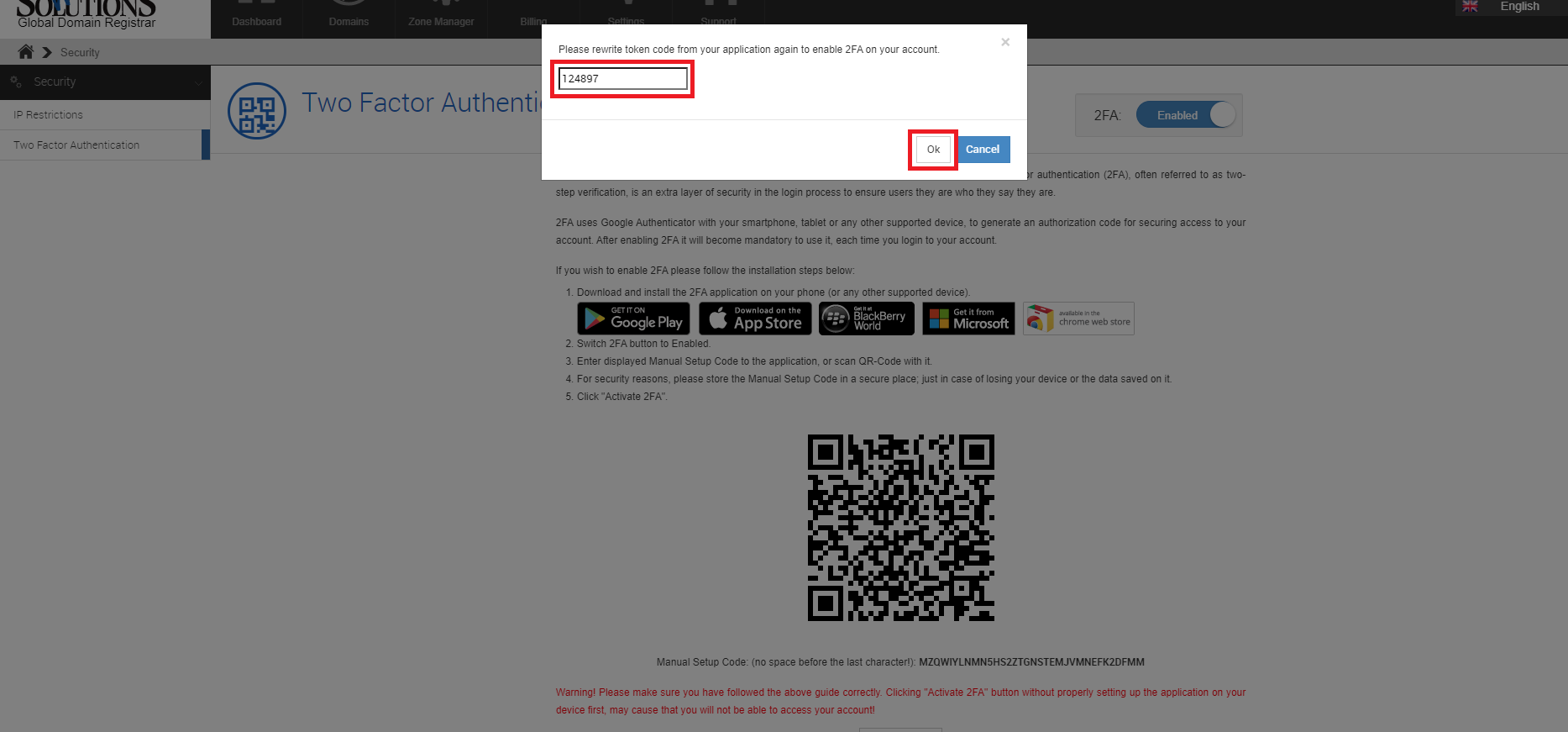 4. Your 2FA is now set up!
Back Last updated: November 10, 2020 by



 +44 (0) 20 4571 1971
 +45 70 26 20 25
 +48 22 103 18 42